

Product 01 · Multi-Camera Matching Application
Camera Matching & Barcode Verification
A Multi-Camera Matching Application that retrofits bindery and mailing lines, reads barcodes anywhere on a signature, and — optionally — adds Read & Print or Camera Print Verification.
 Zoom
See it running
Multi-Camera Matching on a Muller Martini Presto 1550
What it is
Retrofits onto the bindery and mailing equipment you already run.
Camera Matching on the Muller Martini Presto 1550 is installed and running, and the customer is very happy with its performance. The Multi-Camera Matching Application was installed in one day. It competes directly with Muller Martini's own built-in ASIR (Automatic Signature Image Recognition) — and beats the OEM's native system on the OEM's own equipment.
- 01Cameras anywhere on the line
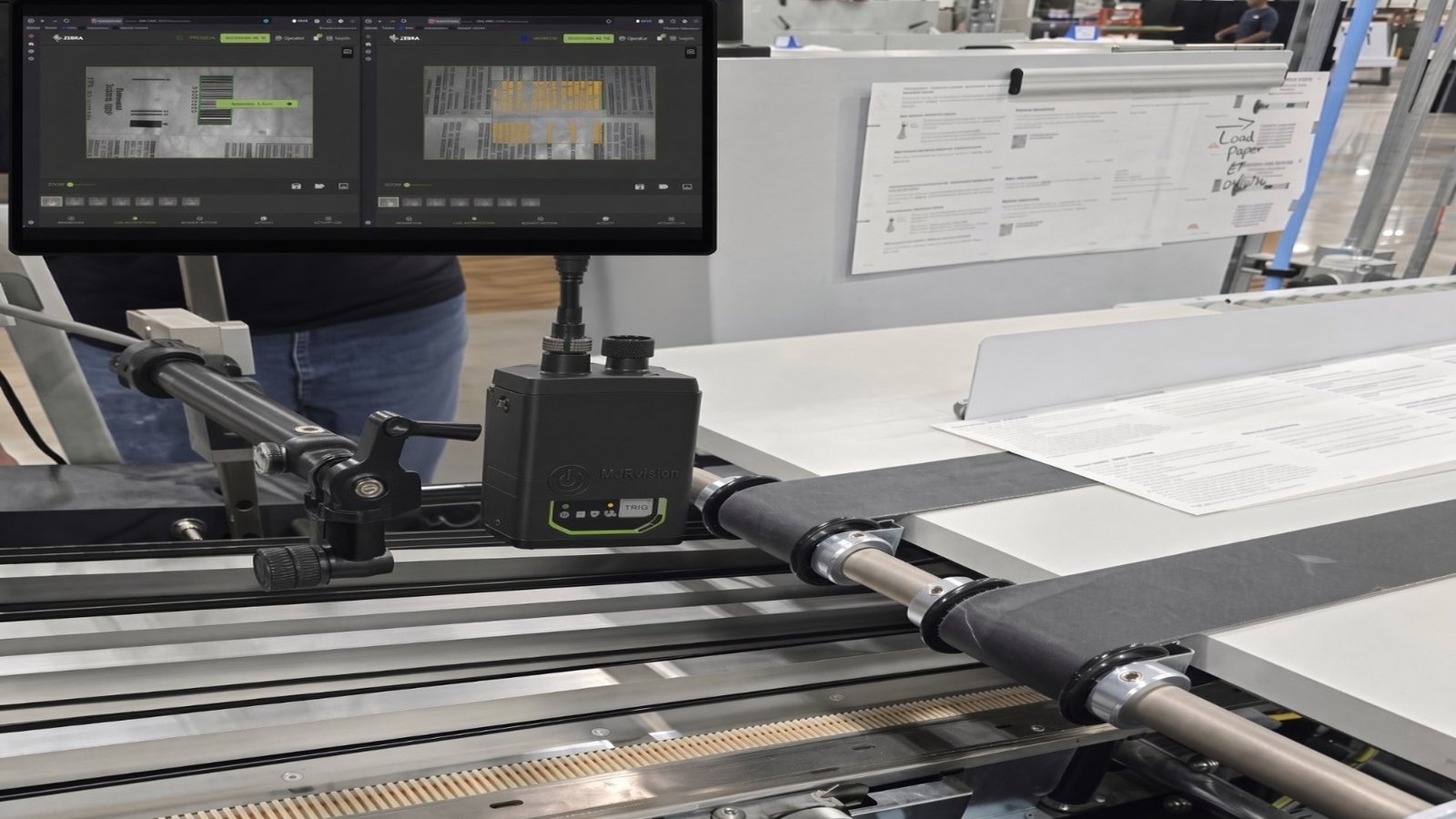
MJR installs 2 cameras that can be moved to any position on the system and reconfigured in a couple of minutes as job parameters. ASIR requires one camera per feeder — 6 or 8 cameras on a 6- or 8-feeder Presto, even for a couple of signature-matching applications — set as system parameters at installation.
- 02Barcode printed anywhere on the signature
A barcode can be printed anywhere on the signature as long as it is visible during merging and assembly. ASIR requires the barcode in one fixed, specific place.
- 03Optional Read & Print and Camera Print Verification
Available options include Read & Print and Camera Print Verification. ASIR is inspection-only and cannot print.
- 04Installed in one day
Once parts are on hand, the retrofit goes on in one day — no extended line downtime.
Add-On: Read & Print
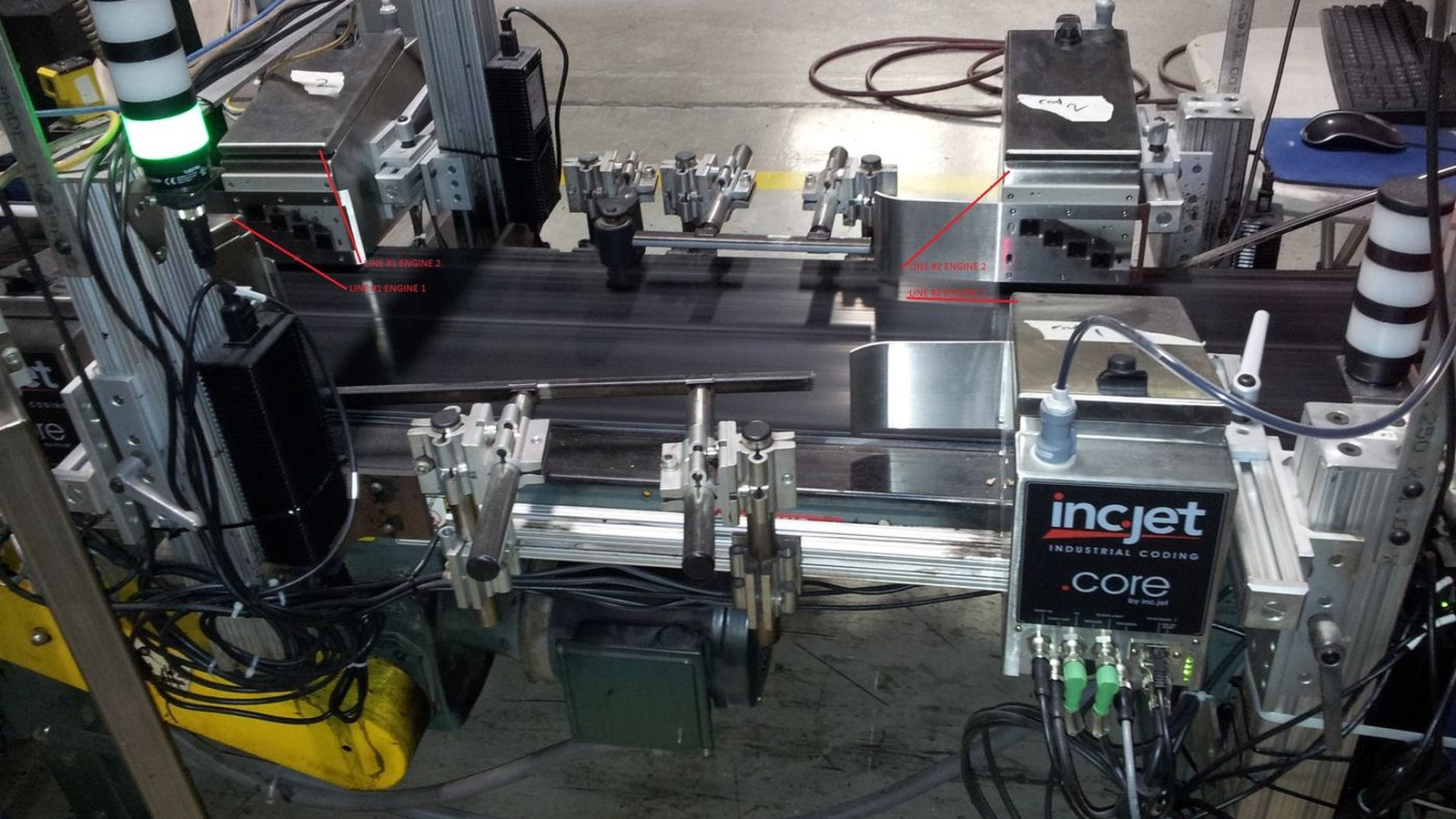
Any MJR Vision matching system can have the Add-On Read & Print. It reads the barcode and sends it to the inkjet database to retrieve the client's full address or any other info, which is then inkjet-printed.
The software can be configured for multi-camera matching, Read & Print, and Print & Verify. Verification isn't limited to barcodes — depending on the camera, it can also be OCR or color verification.
Two ways to upgrade a Pitney Bowes system: add matching cameras with Read & Print to your existing system, or completely replace the electronics with all of the options.
How matching works
Sequential barcode or OCR confirms no signature is missing.
The system can compare barcode substrings across feeders. Independent of the OEM Presto controls, it can stop the machine or fire a reject gate when a mismatch is found.
Example — feeder-to-feeder substring match
Feeder 1 barcode 00012300 · window positions 3–8
Feeder 2 barcode 00123000 · window positions 2–7 — MATCH
If feeder 2 misfires, camera 2 reads the first signature again (00012300, positions 2–7)
Highlighted cells are the compared substring window. The Multi-Camera Matching Application is independent of the OEM Presto controls and can stop the machine or fire a reject gate.
Side by side
MJR Camera Matching vs. Muller Martini ASIR
| MJR Camera Matching | Muller Martini ASIR | |
|---|---|---|
| Cameras required | 2 cameras, moved to any position on the system and reconfigured in a couple of minutes as job parameters. | One camera per feeder — 6 or 8 cameras on a 6- or 8-feeder Presto, even for a couple of signature-matching applications. Set as system parameters at installation. |
| Camera placement | Cameras can be placed anywhere on the line and reconfigured in a couple of minutes as job parameters. | Fixed sensor mounting set at install; repositioning is a service call |
| Barcode location | Barcode can be printed anywhere on the signature as long as it is visible during merging and assembly | Barcode must be printed in one fixed, specific place |
| Prepress impact | None — no redesign to hit a sensor window | Artwork must place the code in the sensor zone |
| Printing | Optional Read & Print and Camera Print Verification | Inspection only — cannot print |
| Install time | One day, as a retrofit | Factory-installed. An ASIR upgrade requires rewiring the system, installing cameras, and modifying the PLC software, so it takes much longer than a one-day install |
A printable side-by-side sheet is available: Download comparison PDF
More video
SecureMatch™ footage.
See it running
Read | Match | Print
A Read, Static Match and Print application on an inkjet base.
See it running
3-camera matching on a retrofitted Pitney Bowes FlowMaster
See the FlowMaster retrofit on the Legacy Controls page.
Installed hardware
Zoom
 Zoom
Next step
Send us the make and model of your line.
We will tell you what can be retrofitted, what it takes, and how fast. Parts lead time runs from immediate to about two weeks; once parts are on hand, installs are typically completed in one day.